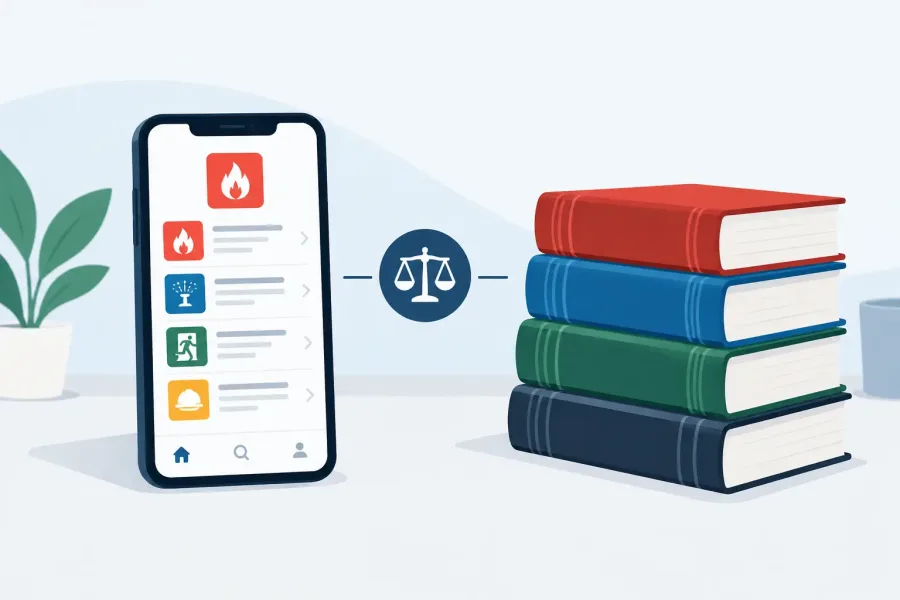
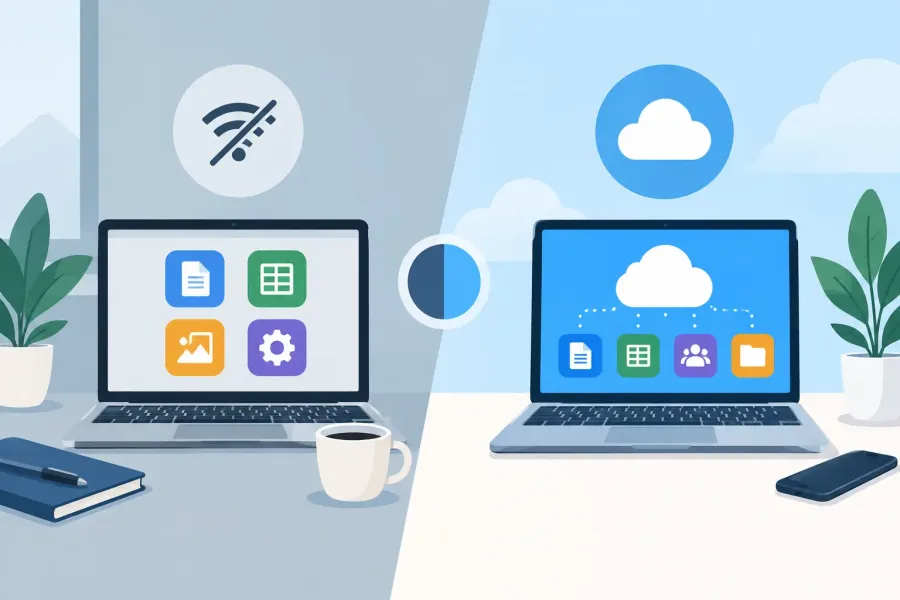
A fire-alarm technician is in a concrete mechanical room with weak signal. A parent is trying to keep a child focused on multiplication while waiting at a doctor’s office. Neither situation needs another loading screen. Offline apps versus cloud tools is not an abstract software debate when the tool is supposed to help you solve a problem right now.
Cloud services have useful strengths, especially for shared files and automatic updates. But an app that depends on a connection can become less useful in the exact places people rely on it most: jobsites, basements, rural areas, schools with restricted networks, travel days, and busy family routines. The right choice depends on what the tool must do, where it will be used, and who needs control over the data.
Offline apps versus cloud tools on the job
For trade professionals, access is a working condition, not a bonus feature. Electrical rooms, parking garages, construction sites, stairwells, and below-grade spaces can all have unreliable service. Even when a phone shows a signal, a cloud-based reference or calculator may lag, time out, require a new sign-in, or refuse to load a document at the moment it is needed.
Offline-first apps keep their core content and calculations on the device. That means a technician can review fire alarm terms, work through voltage-drop math, check a study question, or use a field utility without spending time hunting for Wi-Fi. For NICET candidates, offline practice also makes it easier to use spare minutes consistently: before a shift, during a break, or while parked between service calls.
That reliability matters most when the task is narrow and practical. A timed mock exam should start when the user taps Start. A calculator should calculate. A searchable reference should return results without asking whether the network is available. These are small expectations, but they separate a tool built for field use from a website placed inside an app-shaped container.
Cloud tools can still be the better fit when a team needs to work from the same live document, coordinate project revisions, or store records across multiple devices. A sprinkler design office, for example, may need shared plans and current project notes. The key is not treating cloud access as a replacement for dependable field access. Shared collaboration and offline utility solve different problems.
What cloud tools do well
Cloud software earns its place when information must move between people. A supervisor can update a checklist once instead of emailing multiple versions. A teacher can review submitted work from home. A family can keep photos, schedules, and documents available across devices. Automatic backups can also reduce the risk of losing work after a damaged or replaced phone.
For material that changes frequently, cloud delivery helps. A service with live project data, inventory, dispatch updates, or collaborative comments benefits from a connected system. The same is true for content that requires a central account, such as a course where an instructor needs to see each student’s progress.
Those benefits come with conditions. Users need working internet, an active account, sufficient storage, and confidence that the service will remain available. They may also need to accept periodic price changes, feature changes, or a subscription that turns off access when payment stops. None of those are automatic deal-breakers. They should simply be part of the purchase decision.
The hidden cost of connection dependence
A cloud tool often looks inexpensive at first because the upfront price is low. The larger cost may arrive later through recurring subscriptions, storage limits, data usage, account management, or an app that keeps moving basic features behind a higher plan. For an individual technician or a family buying several learning tools, small monthly charges can add up quickly.
Connection dependence can also create friction that has nothing to do with the task. A child opens a math app and sees a sign-in prompt. A technician needs a quick reference and gets an expired-session message. A parent has to troubleshoot a school tablet before homework can begin. The software may be capable, but the path to using it is longer than it needs to be.
Offline apps reduce many of these interruptions because the product is designed to work locally first. That does not mean every offline app is automatically simple or well-made. It means the app has a clear responsibility: keep essential learning, reference, or calculation features available without requiring a server to cooperate.
Privacy matters more when the user is a child
For parents and educators, the choice is not only about internet access. It is also about attention and privacy. Many cloud-connected products are funded by advertising, data collection, or engagement features designed to keep users inside the app. That can mean distracting promotions, unnecessary notifications, or a learning session that drifts toward unrelated content.
A focused offline learning app can be a calmer option. The child opens it, practices fractions or multiplication, hears read-aloud support when available, and finishes the session. There is no reason for a basic math drill to require a social feed, targeted ads, or a constant stream of analytics.
Offline use is especially practical for shared family devices. Parents can hand over a phone or tablet for a few minutes of practice without worrying that a weak connection will lead to pop-ups, browser detours, or a request to create another account. Printable worksheets can extend that same practice away from the screen.
How to choose between offline apps and cloud tools
Start with the moment of use. If the tool must work in places with poor reception, offline capability should be a requirement rather than a nice extra. This includes field references, exam practice, calculators, games for travel, and children’s learning activities used outside home Wi-Fi.
Then ask whether real-time collaboration is essential. If several people need to edit the same file, receive immediate updates, or access a central project record, a cloud tool may be necessary. Look for one that offers meaningful offline support, such as local drafts and automatic syncing when service returns. A tool that simply stops working offline is a poor fit for mobile work.
Also look at ownership. Is the app purchased once, or rented month to month? Can you still access the material if you cancel? Does the service require an account for basic use? What data leaves the device, and why? Clear answers matter for professionals handling work information and for families protecting children’s attention.
Finally, separate core functions from extras. A live dashboard may be useful, but it should not prevent a basic study session. Cloud backup is helpful, but it should not keep a calculator from opening. The best products make their essential job easy first, then add connected features where they truly improve the experience.
A practical middle ground
The strongest setup is often not fully offline or fully cloud-based. It is offline-first with optional connectivity. Core content, calculations, progress, and play can live on the device. Updates, backups, purchases, and expanded services can use the internet when it is available.
That approach respects the user’s time. A technician can study NFPA-related concepts or run a field calculation in a dead zone. A student can complete a math quiz on a road trip. Later, when a connection is available, the app can update if there is a reason to update.
TapForge Studios builds around that idea: useful Android apps that remain usable when the signal does not. It is a practical choice for trade work and family learning, where the next useful minute should not depend on a loading icon.
Choose software based on the conditions where life actually happens, not the conditions promised in a product demo. When the work is in a basement or the learning is at the kitchen table, a tool that is ready now is often the tool that gets used.