
Mathlings · by TapForge Studios · Updated October 2, 2026
Mathlings: Free, Offline Math Apps That Take Kids from Counting to Algebra
Five ad-free Android apps built by a one-person studio in Indiana, one path from kindergarten to Algebra 1. No accounts, no ads, no internet needed, and parents control every purchase. Here is what each one teaches, which one fits your child, and how families actually use them.






Why parents pick Mathlings
All six apps are built to COPPA and Google Play's Designed for Families requirements.
One path, five apps
The apps are designed as a ladder. A child can start on any rung, and the two K–8 apps (Academy and Quiz Adventure) run alongside the specialists the whole way.
Which Mathlings app is right for your child?
| Your child | Start with | Add when |
|---|---|---|
| Just starting school (K–2, about ages 5–8) | Math Academy for the lessons, Math Quiz Adventure for practice | Fraction Action for "equal parts" and early fractions |
| Learning multiplication (usually 2nd–4th) | Times Tower, ten minutes a day | Keep Quiz Adventure for everything else that grade |
| Fractions are the problem (3rd–5th) | Fraction Action, lessons first, then the games | Academy's fraction and decimal lessons |
| Middle school (6th–8th) | Advance to Algebra, pre-algebra tier | Academy for grade-6 to grade-8 topics the school is on |
| Algebra 1, or getting ready for it | Advance to Algebra, Algebra 1 tier | Beat the Clock once the basics are solid |
| Spanish-speaking, or practicing math in Spanish | Aventura Matemática | Quiz Adventure for English math vocabulary |
| Not sure where they are | Math Quiz Adventure: pick their grade and let them play | The parent dashboard shows mastery by grade and what to work on |
The apps

Mathlings: Math Academy
Best for: a child who needs the "how" explained before the drills make sense.
- 88 step-by-step lessons with worked examples and visuals (fraction bars, arrays, number lines, clocks)
- An adaptive study plan that surfaces shaky skills, picks what to learn next, and brings old skills back before they fade
- A parent dashboard: lessons learned, mastery, accuracy, streak, strongest skill, what needs work
- Read-aloud on every lesson and problem for early readers
Free to start. Academy Plus is one purchase, one time, no subscription.


Mathlings: Math Quiz Adventure
Best for: daily practice that feels like a game, and for figuring out where your child actually is.
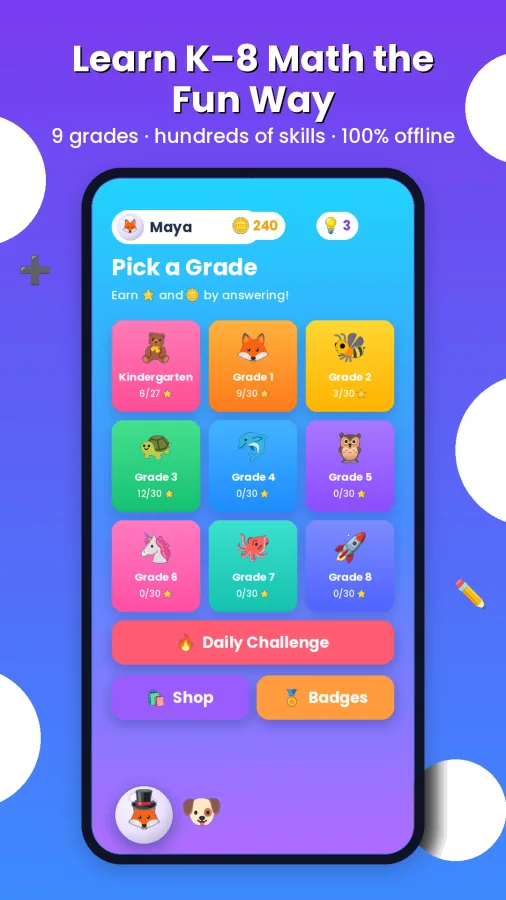
- Nine grade levels and hundreds of skills, from counting to 8th-grade pre-algebra
- Bite-sized quizzes with hints, daily challenges, timed boss rounds, streaks and Smart Review
- Build a 3D buddy, collect pets and decorate the home screen with stickers you earn
- Multiple kid profiles, a parent dashboard, and printable worksheets with answer keys
All core learning is free. Optional one-time purchases; a single Plus unlock opens everything, including the worksheet generator.

Mathlings: Times Tower
Best for: finally making the multiplication facts automatic, 2× through 12×.
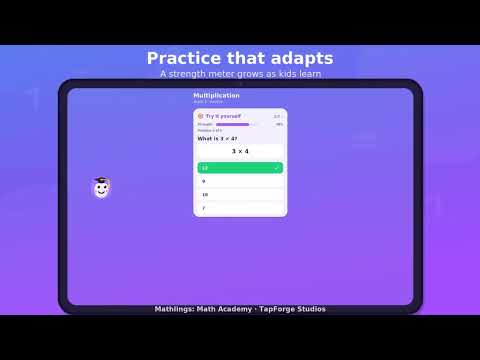
- Tower Blaster: read the question, tap the answer, topple a tower of friendly creatures
- Flashcards, Speed Drill, Match Up memory game and the full times-table grid
- Three difficulty speeds so it grows with your child
- Printable flashcards you can design and print or save as a PDF
The first levels are free. One Full Access purchase unlocks every level, the flashcard printer and tower skins.


Mathlings: Fraction Action
Best for: understanding what a fraction is, not just memorizing the rules.
- 12 guided lessons: equal parts, comparing, equivalent fractions, the number line, adding, simplifying
- Hands-on activities: tap slices to build fractions, match equivalents, compare with < > =
- Three arcade games: Pizza Party, Balloon Pop and Fraction Frenzy
- Read-aloud for pre-readers, and printable worksheets with an optional answer key
The first lessons, all three games and the core activities are free. One Premium purchase adds the rest.


Mathlings: Advance to Algebra
Best for: middle and high schoolers, homeschoolers, and anyone who was told they are "bad at math."
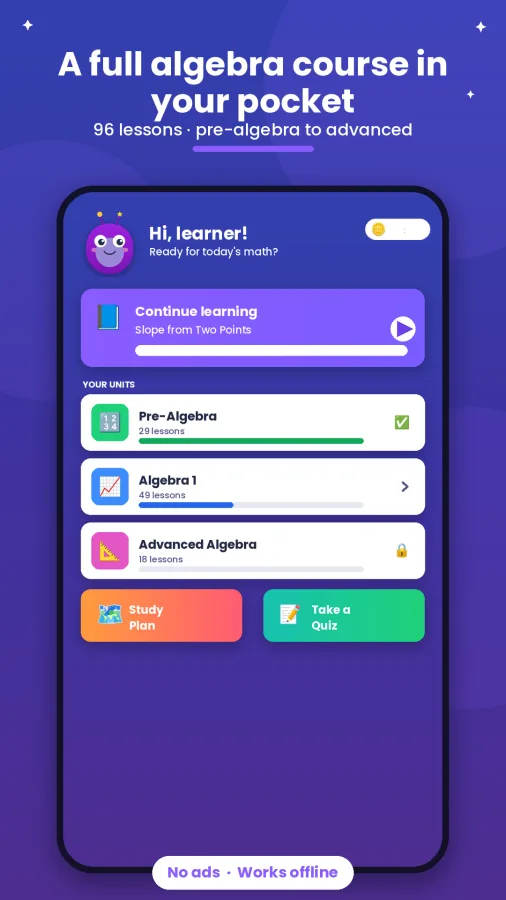
- 96 lessons in 11 units: pre-algebra, Algebra 1 (equations, slope, functions, systems, polynomials, quadratics) and advanced topics
- Each lesson teaches the idea, works examples, gives a tip, then hands over practice problems
- Adaptive study plan with spaced repetition, 20-question quizzes, a 60-second Beat the Clock
- Glossary of 100+ terms, a formula reference, printable worksheets and a parent dashboard
66 core lessons, quizzes, Beat the Clock, the glossary and formula reference are free. One-time purchases unlock 30 bonus lessons and the printables.

Aventura Matemática
Best for: Spanish-speaking kids, and bilingual families who want math practiced in Spanish.
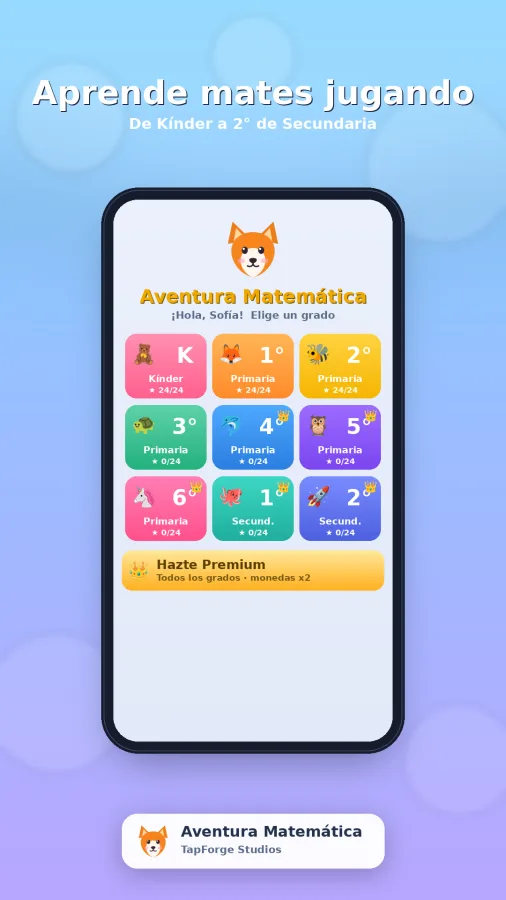
- Fully in Spanish, from kindergarten counting to secondary-school algebra: 72 topics by grade
- Every question can be read aloud, and a built-in whiteboard lets kids work problems by hand
- Coins, pets, avatars, stickers and 32 achievements with streaks and challenges
- Rounds of up to 25 questions with difficulty that ramps as they go
Free with no ads. Premium is a one-time purchase that unlocks every grade. The app is in Spanish; this page also exists in Spanish.
How the apps work together
- Academy teaches, Quiz Adventure drills. They cover the same K–8 ladder on purpose. A skill learned in an Academy lesson shows up as an easy quiz in Quiz Adventure, which is where confidence comes from.
- The specialists go deep. Times Tower and Fraction Action each take the one topic that trips kids up most in elementary school and give it games, flashcards and worksheets of its own.
- Advance to Algebra picks up where K–8 ends. Same teach-then-practice design, same adaptive study plan, aimed at middle and high school.
- Parents get a dashboard in Academy, Quiz Adventure and Advance to Algebra: mastery, accuracy, streaks and exactly which skills need another look.
- Paper when you want it. Quiz Adventure, Fraction Action and Advance to Algebra print worksheets (with answer keys); Times Tower prints flashcards. Screen-free practice from the same app.
How to use them at home
- Ten minutes a day beats an hour on Sunday. The daily challenges and streaks in Quiz Adventure and Academy are built for exactly that rhythm. Pick a fixed slot, after dinner or before screen time, and keep it short.
- Lesson first, then quiz. When a topic is new, open the Academy lesson, then let your child earn the coins in Quiz Adventure. When a topic is old, skip straight to the quiz and let Smart Review decide what comes back.
- Use the car. Everything works offline, so Times Tower in the back seat is twenty minutes of multiplication facts you did not have to schedule.
- Check the dashboard once a week, not once a day. Look for the "needs practice" list and pick one skill for the week. Avoid turning the dashboard into a report card.
- Let them spend the coins. Pets, stickers and the 3D buddy are the motivation system. Earned, never bought, so there is nothing to argue about.
- Print on screen-free days. A generated worksheet with an answer key is homework you can hand over and check in two minutes.
- Homeschooling? Set the grade in Academy and follow its study plan; it orders the skills for you. Quiz Adventure's parent dashboard doubles as your record of mastery by grade.
Watch 30 seconds of each


Aventura Matemática está completamente en español, y esta página también: Apps de matemáticas para niños →
From the blog
Longer reads on choosing and using math apps, from the same studio.
 7 Best Ad Free Math Apps for KidsFind the best ad free math apps for kids, with offline practice, clear lessons, and parent-friendly choices that keep learning focused and private.
 Offline Math Learning That Works Beyond Wi-FiOffline math learning gives kids ad-free practice, steady routines, and usable lessons wherever school, travel, or home life takes them each day, offline.
 Fraction Games Kids Can Use to Build Math SkillsFraction games kids can play make parts of a whole easier to see. Choose ad-free activities that build confidence, practice, and real understanding daily.
 What a Multiplication Table App Should DoA multiplication table app should build recall, not just fill time. Learn the features that help kids practice independently, offline, and without ads at home.
 Pre Algebra Practice That Builds Real ConfidenceBuild stronger number sense with pre algebra practice that helps kids handle variables, ratios, integers, and equations without ads or pressure at home.
 Math Practice That Builds Skills, Not Screen TimeMath practice works best when it is short, targeted, and repeatable. Help K-8 learners build confidence offline, without ads or distractions at home daily.
 A Spanish Math App Kids Can Use Anywhere OfflineChoose a Spanish math app that gives kids clear practice, Spanish-language support, and ad-free offline learning at home, school, or on the road every day.
 Puzzle Games That Keep Kids Thinking OfflinePuzzle games can build focus, logic, and confidence. Learn what makes a good offline game for kids and how to choose one without ads or distractions.
Questions parents ask
Are the Mathlings apps free?
Yes. Every app is free to download and free to learn with: the core lessons, levels and games cost nothing. Each app has one optional purchase that unlocks the full content, made once, with no subscription. Every purchase sits behind a parental gate so a child cannot buy anything alone.
Do the Mathlings apps have ads?
No. None of the apps show ads of any kind, including the free versions.
Do they work without internet?
Yes. All of them work fully offline, and most do not even ask for internet permission, so nothing your child does can leave the device. They are good on planes, in the car and anywhere Wi-Fi is bad.
What do the apps collect about my child?
Nothing. There are no accounts, no sign-in and no personal data collection; progress is stored only on the device. The apps are built to COPPA and the Google Play Families policy.
Which app should my child start with?
For kindergarten through 5th grade, start with Math Academy for the lessons and Math Quiz Adventure for practice; add Times Tower when multiplication starts and Fraction Action when fractions do. From 6th grade up, Advance to Algebra carries them through pre-algebra and Algebra 1. Spanish-speaking kids start with Aventura Matemática.
What is the difference between Math Academy and Math Quiz Adventure?
Academy teaches: each skill gets a step-by-step lesson, then adaptive practice. Quiz Adventure practices: quizzes, games, challenges and printable worksheets across the same grades. They are companions, so a child who learned a skill in Academy will find the Quiz version easy.
Can more than one child use the same phone or tablet?
Math Quiz Adventure has multiple kid profiles you can switch between in a tap, each with its own progress on the parent dashboard. The other apps keep one set of progress per device.
Do the apps follow what my child learns at school?
The Mathlings apps are organized by U.S. grade level, K through 8, and cover the topics taught in each grade: counting and place value, the four operations, fractions and decimals, geometry, ratios, integers and equations. Aventura Matemática follows the Mexican school grades. They are a supplement, not a replacement for a curriculum.
Is there an iPhone or iPad version?
Not yet. The Mathlings apps are Android apps on Google Play, so they run on Android phones and tablets.
Mathlings and Aventura Matemática are made by TapForge Studios (99 Cent Apps LLC), Crown Point, Indiana. Features and prices are as listed on Google Play and may change; the store listing is always current. Questions or a feature you wish an app had: contact@tapforgeapps.com.