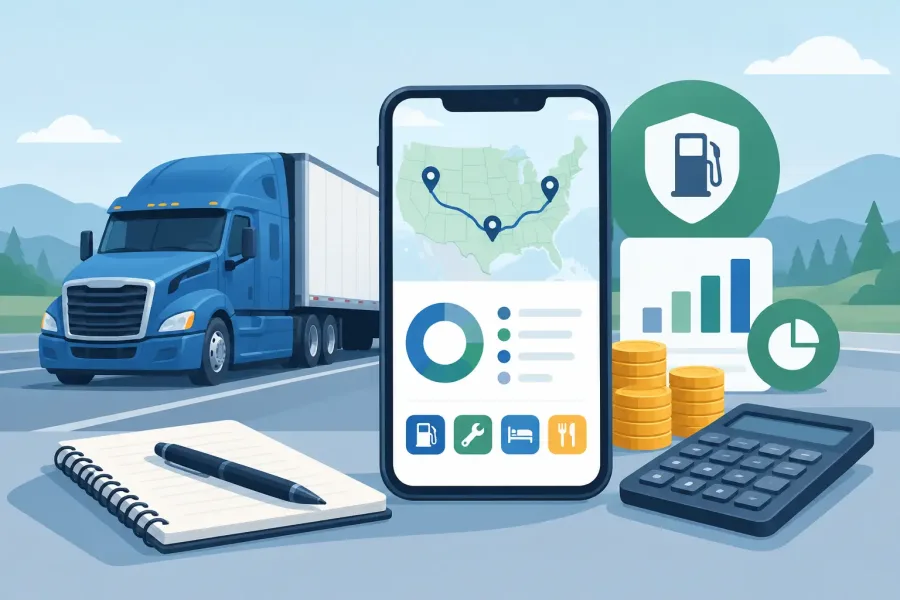
A missed state line, an unlogged fuel stop, or a crumpled receipt can turn IFTA filing into a late-night spreadsheet problem. The best IFTA tracker app and owner-operator expense tracker should reduce that work while you are on the road, not create another system to babysit at the end of the quarter.
For an owner-operator, mileage compliance and business expenses are connected, but they are not the same job. IFTA reporting needs accurate jurisdiction miles and fuel purchases. Expense tracking needs a clear record of where the money went, from tires and repairs to permits, scales, meals, insurance, and truck payments. A useful app handles each job clearly and gives you records you can check before filing.
What a Good IFTA Tracker Must Capture
An IFTA tool should make trip entry fast enough to use every day. At minimum, it needs trip dates, beginning and ending odometer readings, route miles by state or jurisdiction, and fuel purchase details. If it uses GPS, look closely at how it corrects missed tracking, route changes, deadhead miles, and low-signal areas.
Automatic location tracking can save time, especially for drivers crossing several state lines in one shift. But automatic does not mean perfect. GPS can lose a segment in a mountain pass, misread a border crossing, or drain a phone battery. The better setup is one that lets you review and edit trips without fighting the app.
Fuel records matter just as much. Keep the purchase date, location, gallons, price, and jurisdiction tied to every fuel receipt. An app that only totals fuel spending may be fine for a personal budget, but it is not enough for clean IFTA reporting. You need fuel tax information organized by the place of purchase.
Choosing an Owner-Operator Expense Tracker
A strong owner-operator expense tracker makes expenses easy to enter and easy to find later. Categories should be practical for trucking operations: fuel, maintenance, repairs, tolls, parking, permits, insurance, communications, lodging, supplies, and professional services. Custom categories are useful when your accountant wants a different breakdown or your operation has special costs.
Receipt photos are worth more than a vague note entered weeks later. Look for an app that lets you attach an image, add a vendor, select a category, and record the amount in a few taps. The record should remain readable when tax time comes around.
Bank connections can reduce data entry, but they are not automatically the best choice for every driver. They may require a reliable connection, pull in personal purchases, or create cleanup work when a transaction is categorized incorrectly. Manual entry takes discipline, but it can produce a cleaner business record when the app is built for quick use.
Offline Access Is a Working Feature
Truck work does not happen only where cellular service is strong. You may need to log fuel at a rural stop, enter a repair in a shop bay, or check a prior expense from a loading area with weak reception. An offline-first app stores core information on the device and syncs later, if syncing is offered.
That approach also gives you more control over your records. Still, offline use should not mean no backup plan. Check whether you can export data as a spreadsheet or report, save copies regularly, and move records if you replace your phone. An app that traps your data inside a single device can become a problem when a phone is lost or damaged.
Reports Matter More Than a Fancy Dashboard
A polished dashboard is nice. Exportable, understandable reports are better. Before choosing an IFTA and expense app, confirm that it can produce jurisdiction-mile totals, fuel-by-jurisdiction totals, date-range expense reports, and category summaries. You should be able to hand the results to a tax preparer or use them to compare against your own logs.
Be cautious with any app that promises to make filing automatic. IFTA rates, rules, quarterly dates, and reporting requirements can change. The app can organize the numbers, but you are still responsible for reviewing the return and keeping supporting records. If your operation leases to a carrier, confirm whether the carrier handles IFTA reporting before paying for features you do not need.
A Simple Test Before You Commit
Run one normal week through the app before relying on it. Enter a multi-state trip, two fuel purchases, a repair receipt, a toll, and a parking charge. Then create a report and ask a plain question: could you explain every number on it a month from now?
If the answer is yes, you have found a tool that respects your time. The right tracker is not the one with the most screens or the loudest promises. It is the one you will actually use after a long day, with records clear enough to trust when the quarter closes.