

GableForge: Home Inspection
Home inspection reports offline: rate items, add photos, send a PDF on-site.

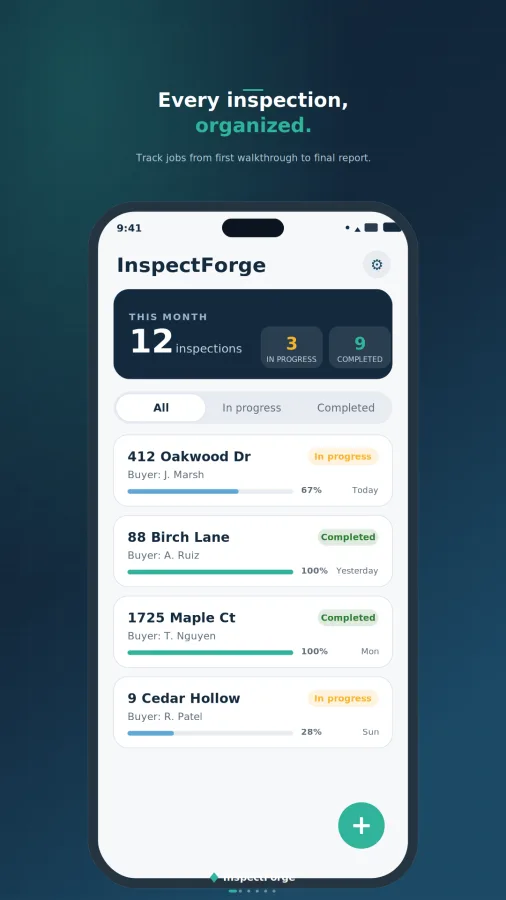
GableForge is a home inspection report app built for working in the field. Walk the property, rate each component, take photos, write your notes, and give your client a clean, branded PDF report before you leave the driveway. It works fully offline, with no account or sign-up.
RATE EVERY ITEM AT A GLANCE
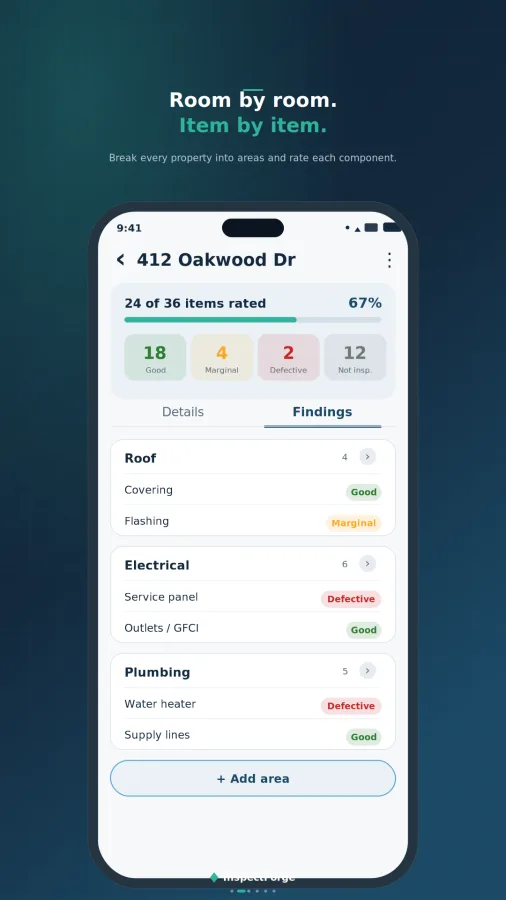
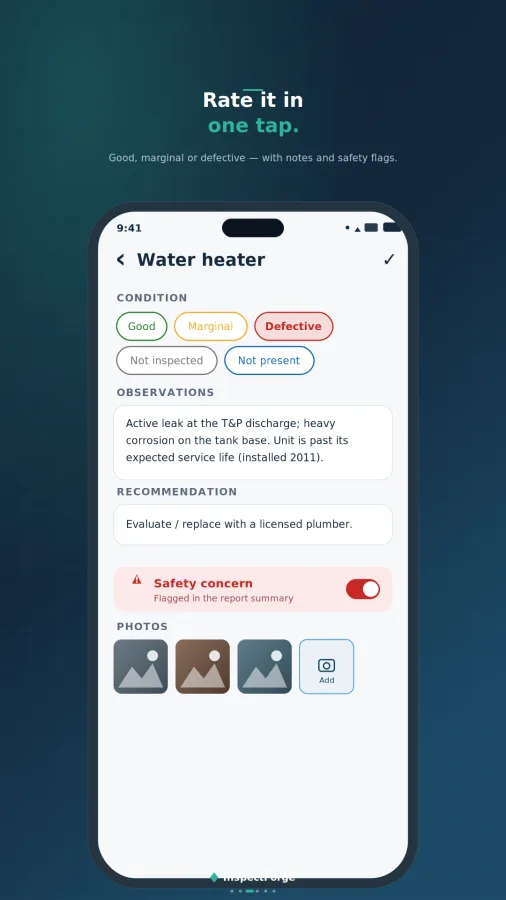
Each item gets a color-coded condition:
• Good: serviceable, no action needed
• Marginal: monitor or maintain
• Defective: needs repair
• Not Inspected: inaccessible or not evaluated
• Not Present: component not installed
Add observations, a recommendation, and a safety-concern flag to any item. A live progress bar shows how much of the house is rated.
MOVE FAST ON SITE
• Previous / Next buttons step through every item in order, so you never have to go back to the list
• "Mark remaining as Good" finishes an area in one tap
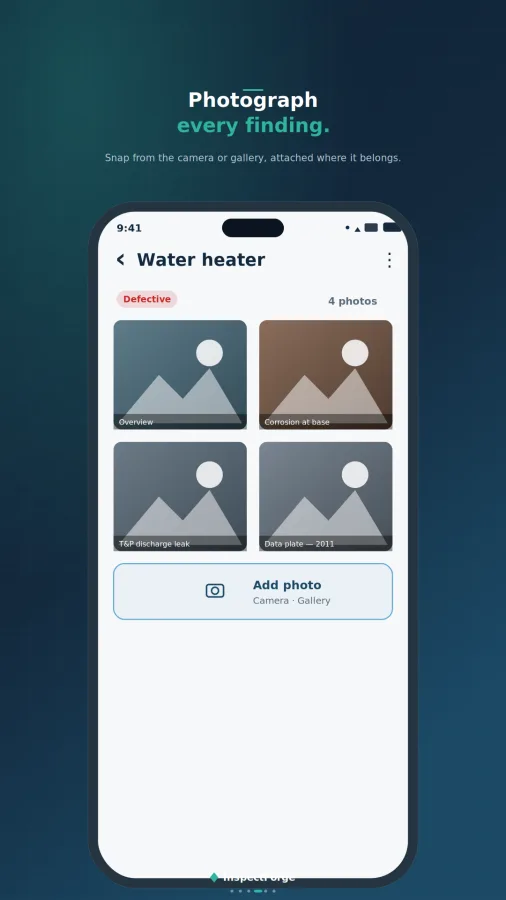
• Add photos from the camera, or pick several from your gallery at once, with captions
• Insert saved comments from a searchable library of common electrical, plumbing, roof, HVAC, structure and safety findings
• Reorder, rename and add areas and items to fit any property
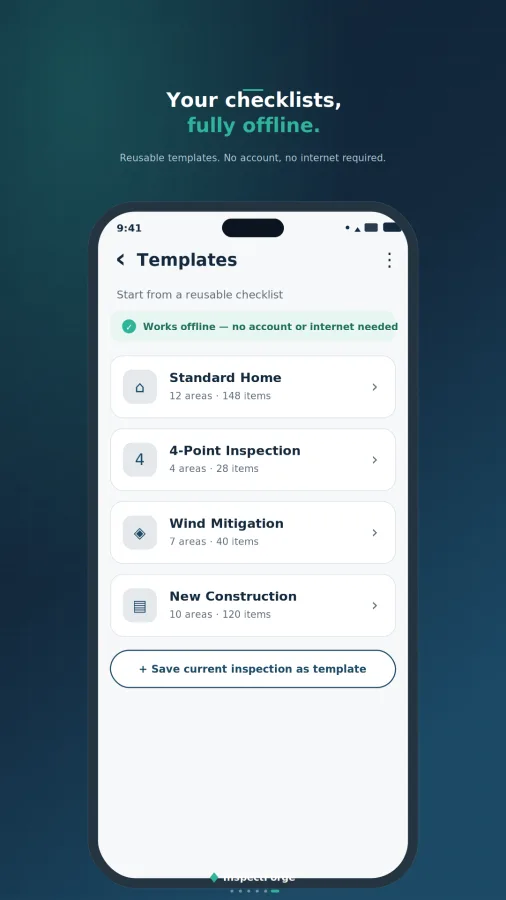
START FROM A TEMPLATE
Built-in templates for a Standard Home Inspection, 4-Point Inspection, Condo / Townhouse, New Construction / Final Walkthrough, and Rental Move-In / Move-Out. You can also start blank, or save any inspection's layout as your own template.
PROFESSIONAL PDF REPORTS
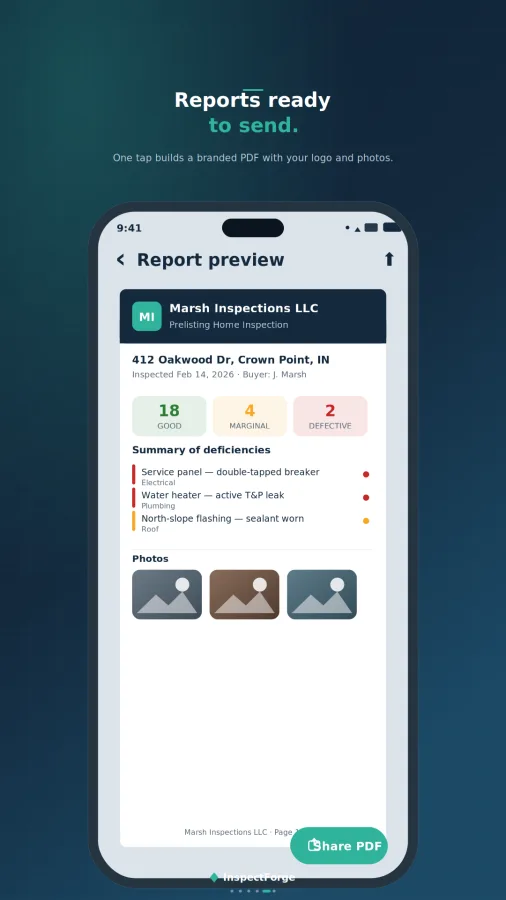
One tap builds a complete report:
• Branded cover page with your logo, company details and a property photo
• Property, client and inspection conditions
• Findings summary with rating counts
• Full item-by-item findings with photos
• Deficiency summary of every Marginal and Defective item
• Certification page with your on-screen signature
Email it straight to your client with the report attached and your signature filled in, or share, save, or open it in any PDF viewer.
CLIENTS AND SCHEDULE
• A saved customer list with contact details, agent and notes, plus each client's inspection history
• Pick a saved customer to fill in a new inspection automatically
• Search inspections by address, client, agent, phone or email
• "Pick up where you left off" card and Today / Tomorrow tags on upcoming jobs
• Optional reminders the evening before an inspection, and when a report has been left unfinished
YOUR DATA STAYS ON YOUR PHONE
Inspections, photos and client details are stored on your device, not on our servers. Back up everything (profile, customers, templates, saved comments, and every inspection with its photos) to a single file. Restore it on a new phone at any time.
GABLEFORGE PRO
The free version is fully usable for up to 5 inspections. Pro adds:
• Unlimited inspections, customers, templates and saved comments
• Reports without the GableForge watermark
• Automatic daily or weekly backup to Google Drive or a folder on your phone
• No ads
Choose a monthly or yearly subscription, or a one-time lifetime purchase.
MADE FOR
Home inspectors, 4-point and insurance inspectors, real estate investors, property managers, landlords doing move-in / move-out checks, and contractors documenting a walkthrough.
GableForge reports record the visible condition of a property at the time of inspection. The app does not decide whether a property complies with any building code, standard of practice or licensing requirement. Those decisions remain with the inspector.
Video
 GableForge: Home Inspection
Screenshots
Free calculators
Try the tools in your browser. The app has them offline.
Try a few questions first
A question of the day and a 10-question sample with explanations. The full question bank and the timed mock exams are in the app.
How-to guides
How Much Concrete Do I Need? Slabs, Footings and Piers
Length times width times thickness, divided by 27. Bags or a truck, how much waste to add, and how thick the slab should be.
5 min readHow to Lay Out Stair Stringers: Rise, Run and Code Limits
From total rise to a marked 2x12: riser count, tread depth, stringer length, the IRC limits and the mistakes that make steps uneven.
4 min readHow to Calculate Cash-on-Cash Return on a Rental Property
Annual pre-tax cash flow divided by the cash you put in, how it differs from cap rate, and a worked $200,000 example.