
A dead zone should not end a study session. Yet plenty of learning products stop working the moment a phone loses service, a school network blocks content, or a parent turns off data to avoid distractions. Offline learning apps solve a simple but meaningful problem: the lessons, practice, and tools are available when the learner is ready to use them.
That matters in more places than a long road trip. It matters for a technician reviewing NICET practice questions in a concrete mechanical room, an apprentice running calculations at a jobsite, and a child practicing fractions at the kitchen table without ads competing for attention. Offline access is not a bonus feature. For many learners, it is what makes an app dependable enough to become part of a routine.
What Offline Learning Apps Should Actually Do
There is a difference between an app that can open without Wi-Fi and one that is built for offline learning. Some apps let users download a few videos or worksheets, then require a connection for quizzes, progress tracking, search, or the next lesson. That may be fine for occasional review. It is a poor fit when consistent access is the point.
A truly useful offline learning app keeps its core experience on the device. Lessons should load quickly. Practice questions should be available without a signal. Calculators, references, answer explanations, and saved progress should still work in airplane mode. For a child, this also means read-aloud features, adaptive practice, and games should not suddenly stop because the tablet left the house.
The trade-off is storage space and app design. Offline content has to be organized carefully, because the developer cannot lean on a server to load every piece of information later. That is not a weakness. It is a design decision that puts the working tool in the user's hands instead of making every session dependent on a connection.
Why Offline Learning Matters for Trades
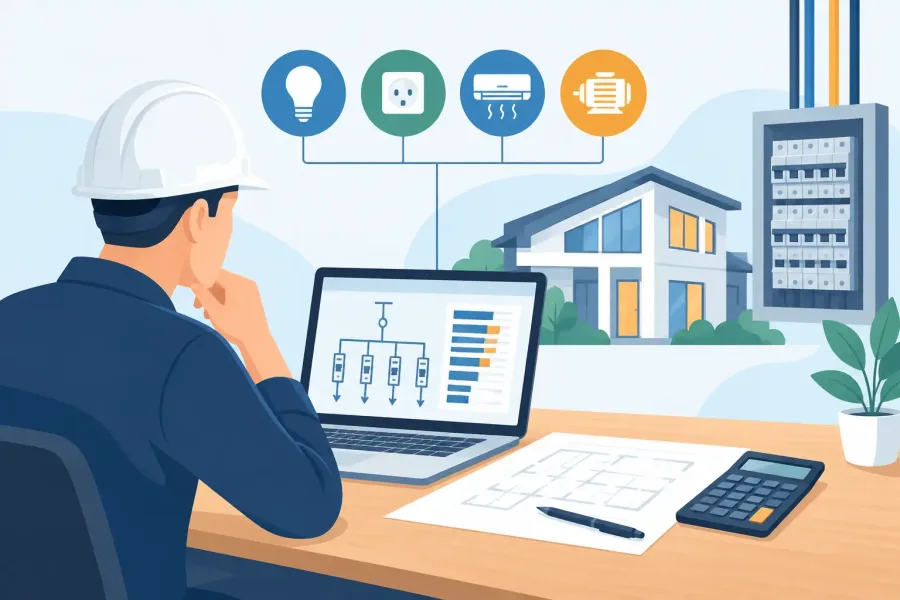
Skilled trades do not happen from a desk with perfect Wi-Fi. Electricians, fire alarm technicians, sprinkler professionals, HVAC workers, and low-voltage installers often work in locations where service is weak, restricted, or nonexistent. Basements, equipment rooms, high-rise cores, rural sites, and new construction all have a way of making cloud-only software inconvenient at the exact moment it is needed.
For certification prep, offline access lets a worker use small stretches of time well. Ten questions before a shift, a timed simulation during lunch, or a review session in the truck can add up. The best study tools do more than present a pile of questions. They create exam-realistic practice, explain missed answers, and help users return to weak areas without forcing them to hunt through menus.
For field utility, speed matters just as much. A calculation tool or searchable reference should be ready in seconds. If a technician needs help with fire alarm concepts, hydraulics, ERCES requirements, or NFPA-related material, waiting for an app to reconnect is wasted time. Reference apps still require professional judgment and current code verification, of course. But an offline tool can make the work of reviewing, checking, and preparing far more practical.
Offline Learning Apps for Kids Need Fewer Distractions
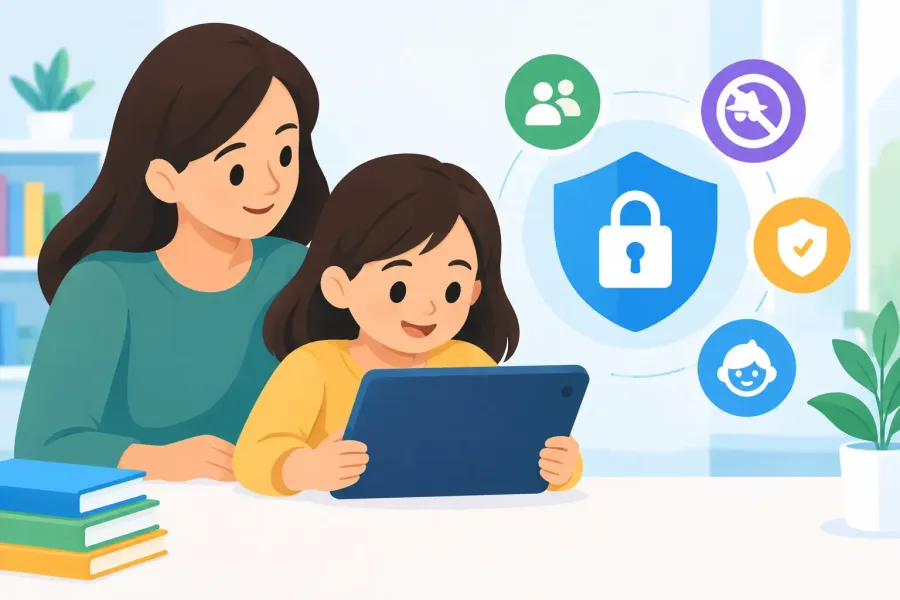
Parents have a different version of the same problem. A child may have reliable internet at home, but that does not mean every learning session should happen inside an always-connected feed. Ads, autoplay prompts, browser pop-ups, and unrelated recommendations can turn ten minutes of math practice into a negotiation.
An ad-free offline app creates a more focused space. The learner opens multiplication practice, fractions, pre-algebra, or Algebra 1 and gets to work. There is no pressure to click around, watch an ad, or ask for help because the next activity did not load. That makes offline-first apps especially useful for younger learners who benefit from clear boundaries and repeatable routines.
The format still matters. A plain worksheet on a screen is not automatically engaging. Good K-8 learning apps use short practice cycles, friendly feedback, age-appropriate challenges, and enough variety to keep the work from feeling like a chore. Read-aloud support can help early readers work more independently, while printable worksheets give parents and teachers a way to carry practice beyond the screen.
Game-informed design has a place here, but it should support the lesson rather than bury it. Earning progress for solving math problems is useful. Turning every screen into a loud reward loop is not. Families should be able to tell what a child is learning, where they need help, and whether the app is building a real skill.
How to Choose Offline Learning Apps
The Google Play label alone does not tell you how an app behaves without a connection. Before buying or depending on an app, check what remains available after download. A clear app description should say whether the core lessons, quizzes, references, or tools work offline.
For trade learners, start with the job or exam goal. A generic quiz app may be fine for basic review, but it will not replace focused practice for NICET, fire alarm, fire sprinkler, electrical, or HVAC topics. Look for realistic question sets, timed exams when test pacing matters, useful explanations, and content organized around the work you actually do.
For families, look past the phrase “educational.” Ask whether the app is ad-free, whether its content is suitable without supervision, and whether it provides practice at the learner's level. A kindergartner working on number sense needs a different experience from a middle school student preparing for pre-algebra. If printable materials, Spanish-language support, or read-aloud options matter in your household, those should be visible features, not vague promises.
Privacy is another practical question. Offline-first apps usually have less reason to collect behavioral data because they are not built around constant streaming, advertising, or engagement tracking. That does not mean every offline app handles information the same way. Parents and professionals should still read the app's data disclosures and choose products that are clear about what they collect and why.
A Better Way to Build a Study Habit
Offline access works best when it reduces friction. Do not wait until a weekend to plan a two-hour study block that may never happen. Put useful practice where the small gaps already exist. A technician can complete a short question set before a shift or revisit missed topics after a service call. A student can work through a five-minute multiplication round before screen time or while dinner is being made.
Consistency beats novelty. Use the same app long enough to learn its flow, track the topics that cause trouble, and see whether practice is improving recall. For exam prep, mix untimed learning with timed simulations. Untimed work helps build understanding; timed sessions reveal whether that understanding holds up under pressure.
For kids, keep the goal concrete. Instead of saying “do some math,” try “finish one fractions lesson” or “get eight multiplication problems right.” Small targets lower resistance and make progress easier to notice. If a child is stuck, switch from speed to explanation. A correct answer matters, but knowing why it is correct is what carries into the next lesson.
Offline Does Not Mean Outdated
One concern is fair: reference material, standards, and exam content can change. Offline access should never be confused with permanent accuracy. Professional users need to verify requirements against the current adopted code, project specifications, authority having jurisdiction, and official exam guidance. An app is a study and field-support tool, not a replacement for those sources.
The practical answer is not to make every feature cloud-dependent. It is to use offline access for dependable daily work while installing updates when they are available. That balance gives users a tool that works in the field and a path to keep content current over time.
TapForge Studios builds around that idea: focused Android tools that stay useful without turning every question, worksheet, or calculation into a request for a signal. All offline-first, all built by hand.
The best learning app is not necessarily the one with the most animations, the biggest catalog, or the loudest promises. It is the one a learner can open, understand, and use when the moment for practice finally appears - whether that moment is at a jobsite, in a parked car, or at a quiet kitchen table.