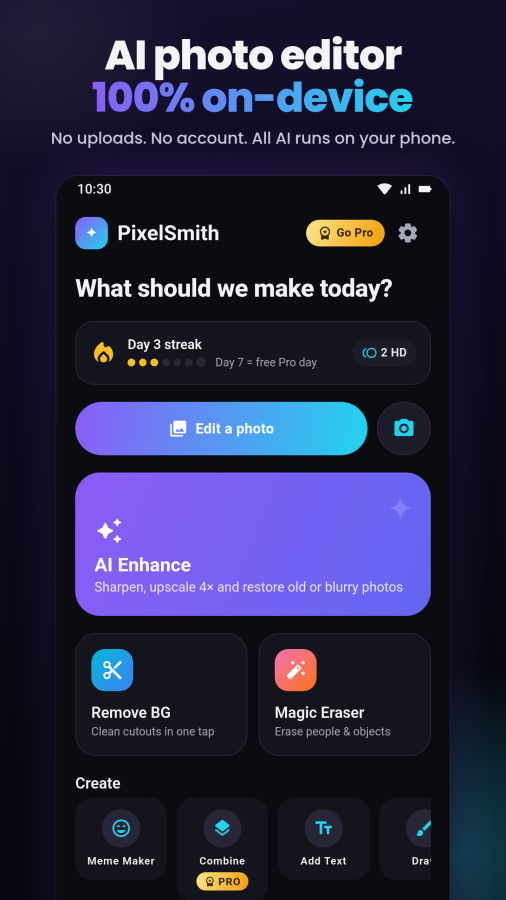

PixelSmith is an AI photo editor that runs entirely on your phone. Enhance
blurry photos, remove backgrounds, erase unwanted objects and blur
backgrounds like a real lens, then keep editing with filters, effects, text,
drawing, memes and photo combining. No uploads, no account, no cloud.
★ AI PHOTO ENHANCER
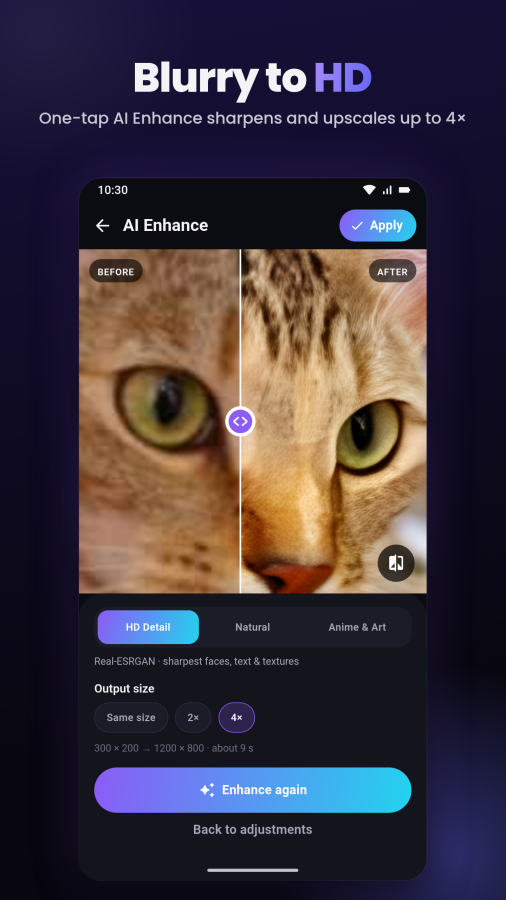
• Unblur and restore old, blurry or low-res photos and upscale them up to 4×
• Three AI looks: HD Detail (Real-ESRGAN), Natural and Anime & Art
• HD Detail is a free optional download
• Remove noise and JPEG blocks, fix color and brighten dark shots
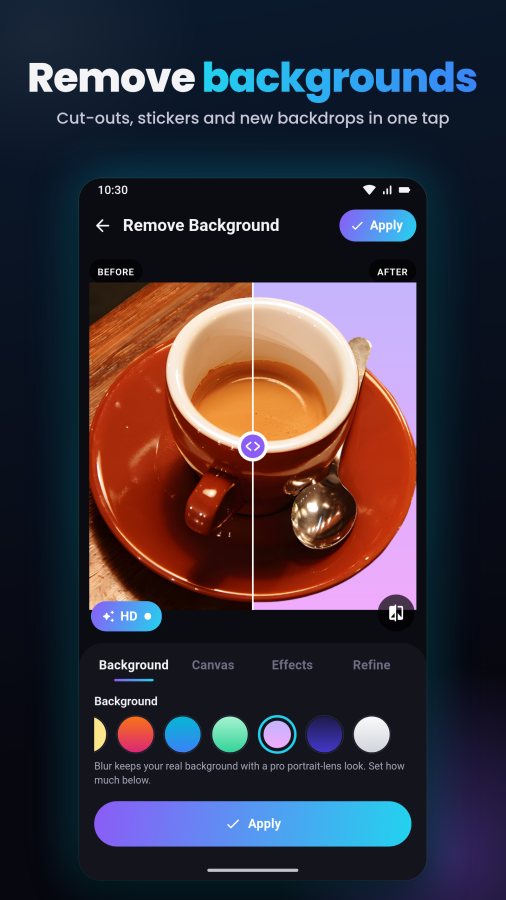
★ BACKGROUND REMOVER
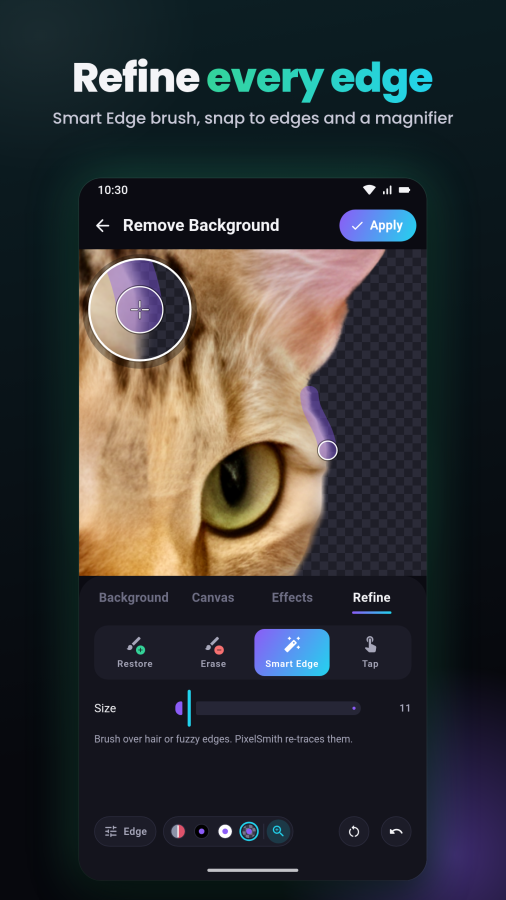
• Cut out people, pets and products in one tap with clean, natural edges
• Cleaner hair and fur edges with color decontamination
• Refine tools (also in Portrait Blur and Combine): Restore and Erase brushes
that snap to edges, a Smart Edge brush that re-traces hair, a magnifier,
Feather, Shift edge and Smooth
• Transparent PNG, solid colors, gradients or any photo as the new background
• Sticker Maker with a white outline, and Product Photo with a white backdrop
and soft shadow
Page 2 of 11
PixelSmith: Play Store launch kit
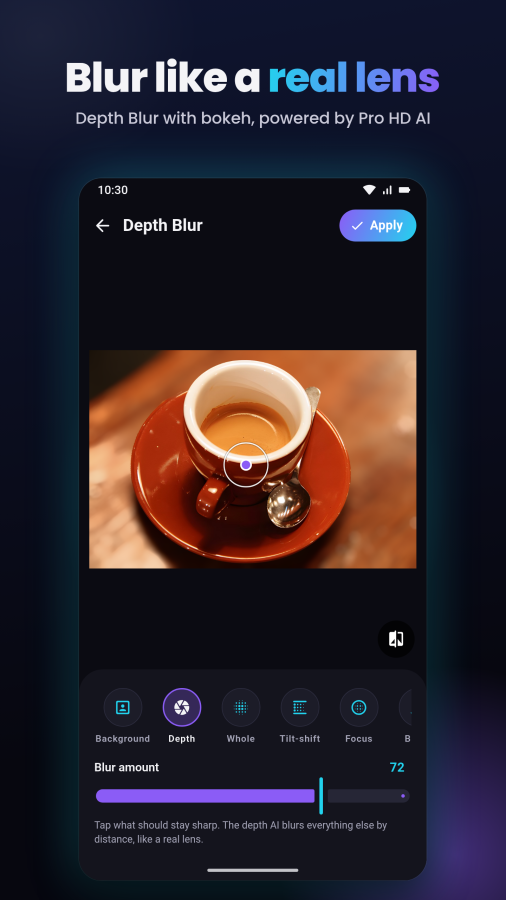
★ PORTRAIT BLUR
• Blur the background like a real lens, with bokeh highlights and film grain
• Or blur the whole photo, a tilt-shift band or just where you paint, or
pixelate it
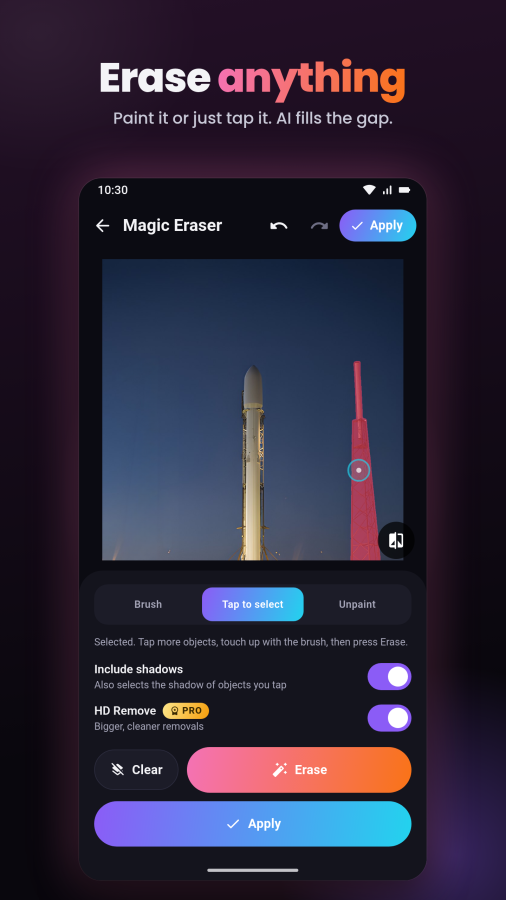
★ MAGIC ERASER
• Brush over people, wires, text or clutter and watch them disappear
• Or tap a person, pet or object to select it automatically
• Include shadows: erase an object together with its shadow
• A magnifier shows exactly where you paint
• HD fill keeps large photos sharp
★ HD AI (Pro)
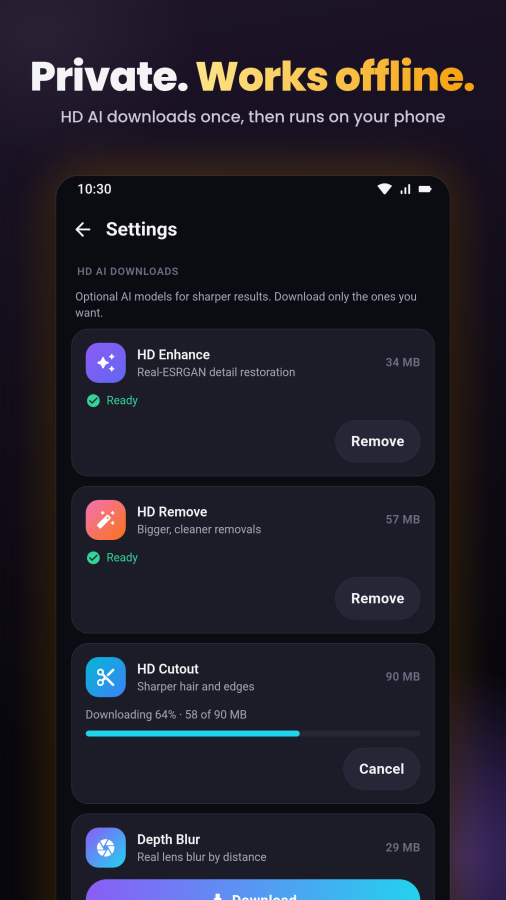
Optional downloads in Settings › HD AI downloads:
• HD Remove: bigger, cleaner removals
• HD Cutout: sharper hair and edges
• Depth Blur: lens blur that follows the depth of your photo
• Smart Select: tap any object to select it
★ FULL PHOTO EDITOR
• Stack as many edits as you like on one photo, with undo and redo, then save
once
• Adjust exposure, contrast, highlights, shadows, warmth, clarity, dehaze,
vignette, grain and more, or tap Auto
• 19 photo filters: Vivid, Golden, Cinema, Film, Vintage, Moody, Noir and
more
• 17 creative effects: cartoon, pencil sketch, pop art, halftone, glitch,
neon, duotone, mirror and more
• Crop, rotate, flip and straighten, with sizes for posts, stories and prints
★ TEXT, DRAWING & MEMES
• Add text and emoji to photos with 14 fonts, outlines, shadows and
backgrounds
• Draw on photos with pen, marker and neon brushes, arrows, boxes and circles
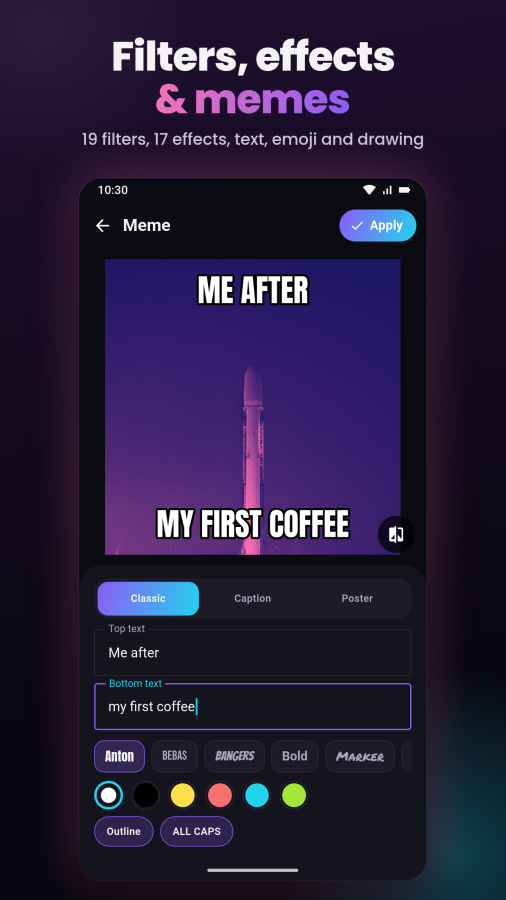
• Meme maker: classic top and bottom text, caption memes and motivational
posters
★ COMBINE PHOTOS (Pro)
• Cut a person, pet or object out of one photo and add it to another
• Use the AI cut-out, draw around anything by hand, or add the whole photo
• Refine the edges, then move, resize, rotate, flip, fade and add a soft
shadow
Page 3 of 11
PixelSmith: Play Store launch kit
★ BATCH CUTOUT (Pro)
• Remove the background from up to 30 photos at once
★ PRIVATE BY DESIGN
Your photos never leave your phone. Every AI model runs on the device,
including the optional downloads, which come from Google Play. Your pictures
stay yours, and once a model is on your phone it works offline.
★ MADE FOR SHARING
• Save as JPG or PNG, or share straight to your favorite apps
• Create a before and after reveal video in one tap
• Open photos from your gallery, the camera or the share menu
★ FREE TO USE
All tools are free except Combine, Batch Cutout and HD AI. Free exports are
up to 2048 px with a small watermark you can remove. Keep a daily streak to
earn free HD credits, and every 7th day unlocks a 24-hour Pro Day Pass.
PixelSmith Pro removes ads and the watermark and unlocks full-resolution
exports, HD AI, Combine photos and Batch Cutout. Choose weekly, yearly (with
a free trial when available) or a one-time lifetime purchase. Subscriptions
renew automatically until canceled. Manage or cancel anytime in Google Play >
Subscriptions.
Video
Screenshots